Follow the steps below to check your status, view your Financial Aid To-Do List, and track the progress of your financial aid application. Checking your financial aid status regularly is one of the best ways to stay informed and avoid delays.

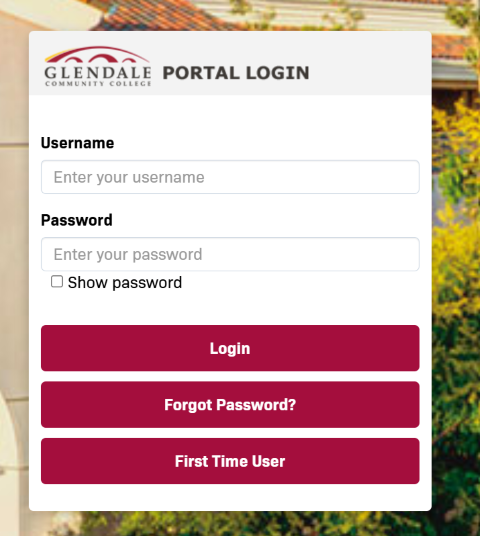
Once you have created your StudentForms Account, Log into your MyGCC Student Center. Enter your username and password. Click Login.


log in


  • First-time users can select First Time User to activate their account.
  • If you have forgotten your password, select Forgot Password?

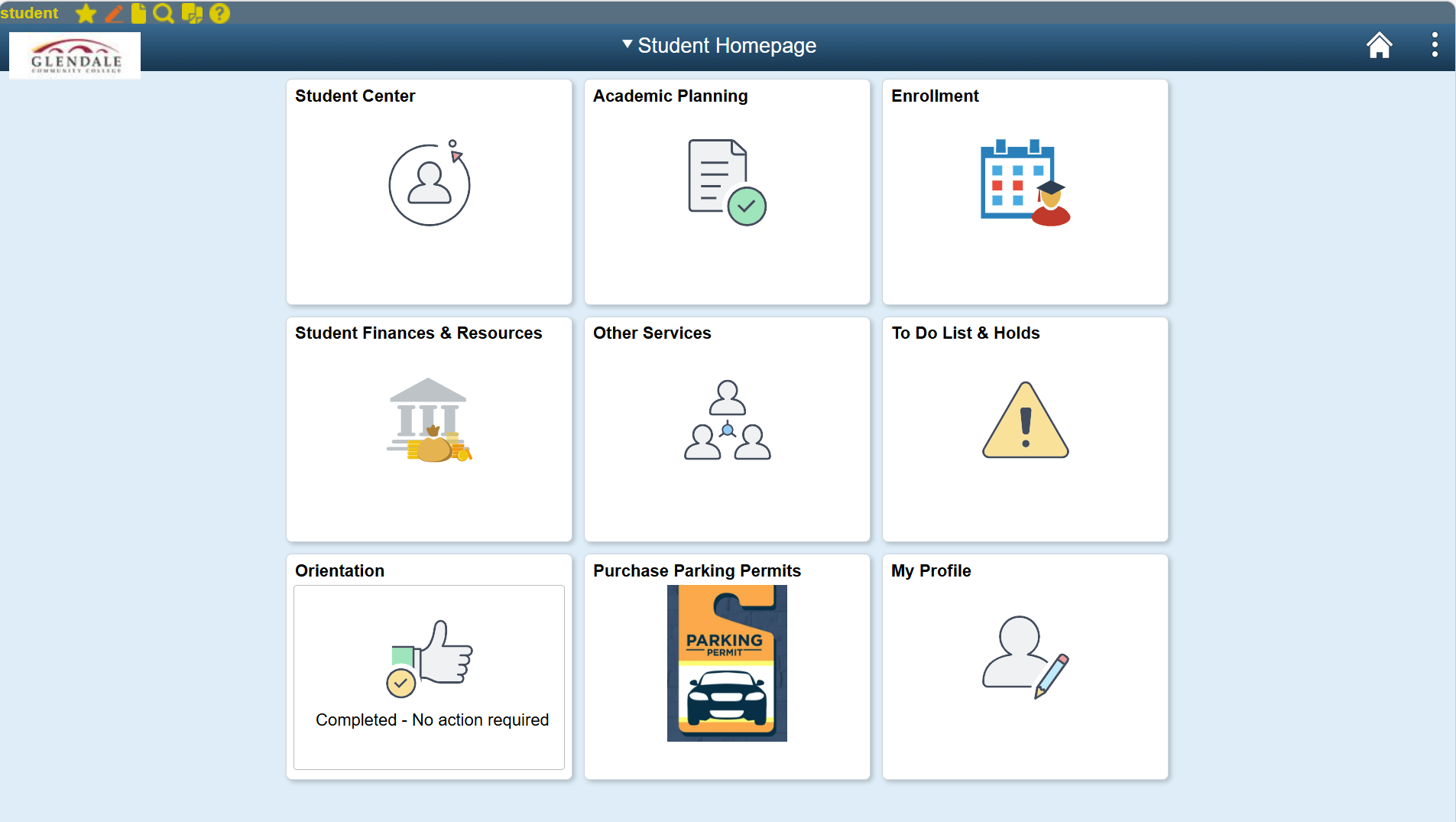
From the Student Homepage, select Student Finances & Resources.


4

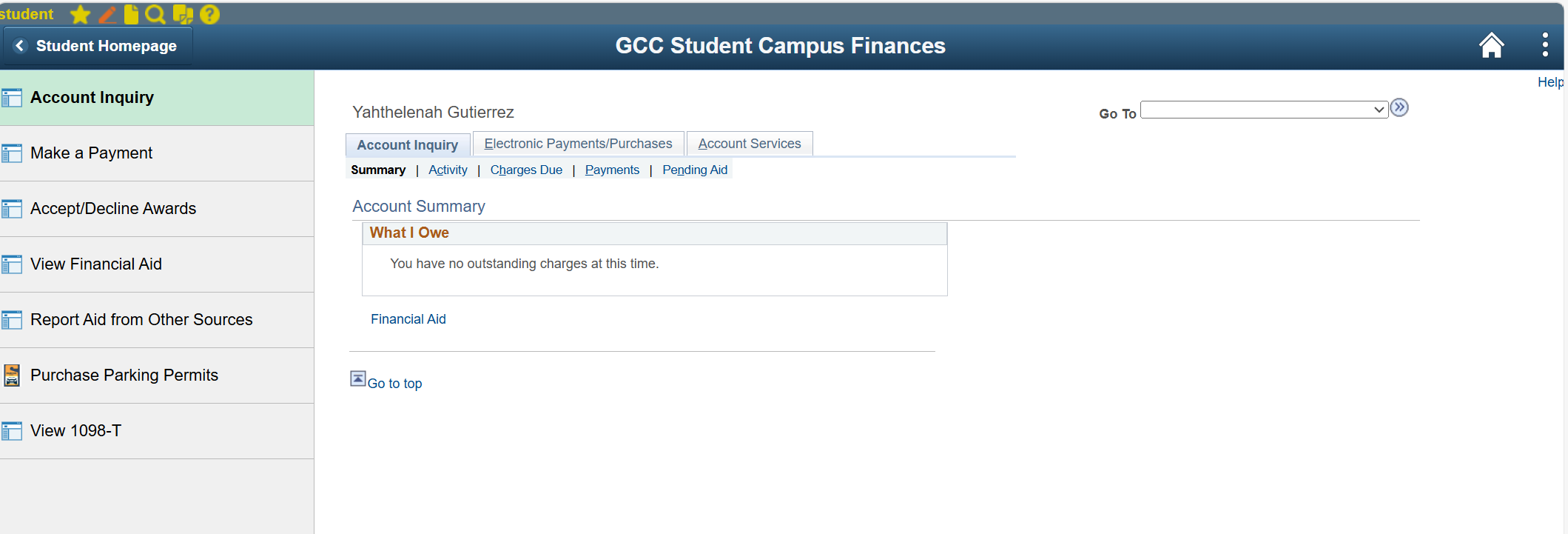
Under the Student Campus Finances menu, select View Financial Aid.


5

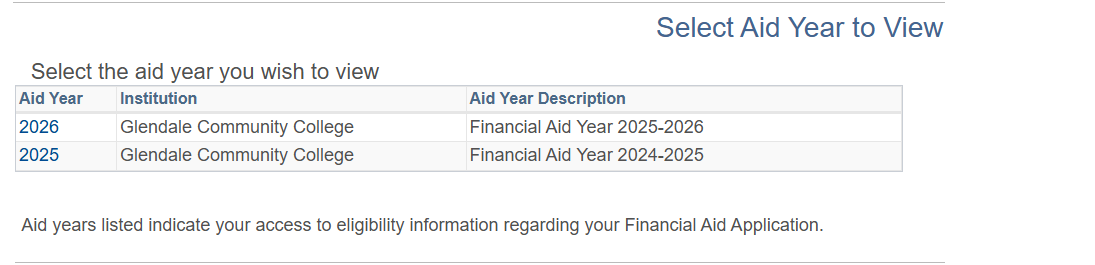
Select the financial aid award year you would like to view.


6


You can then review:

  • Financial aid awards
  • Missing documents or requirements
  • Your Financial Aid To-Do List
  • Award status and disbursement information
  • Satisfactory Academic Progress (SAP) information

Helpful Reminder

Students should check their MyGCC account regularly for updates, requests for additional documentation, and important financial aid notifications. Delays in submitting required documents may affect financial aid processing and disbursement.